




403
Sorry!!
Error! We're sorry, but the page you were looking for doesn't exist.
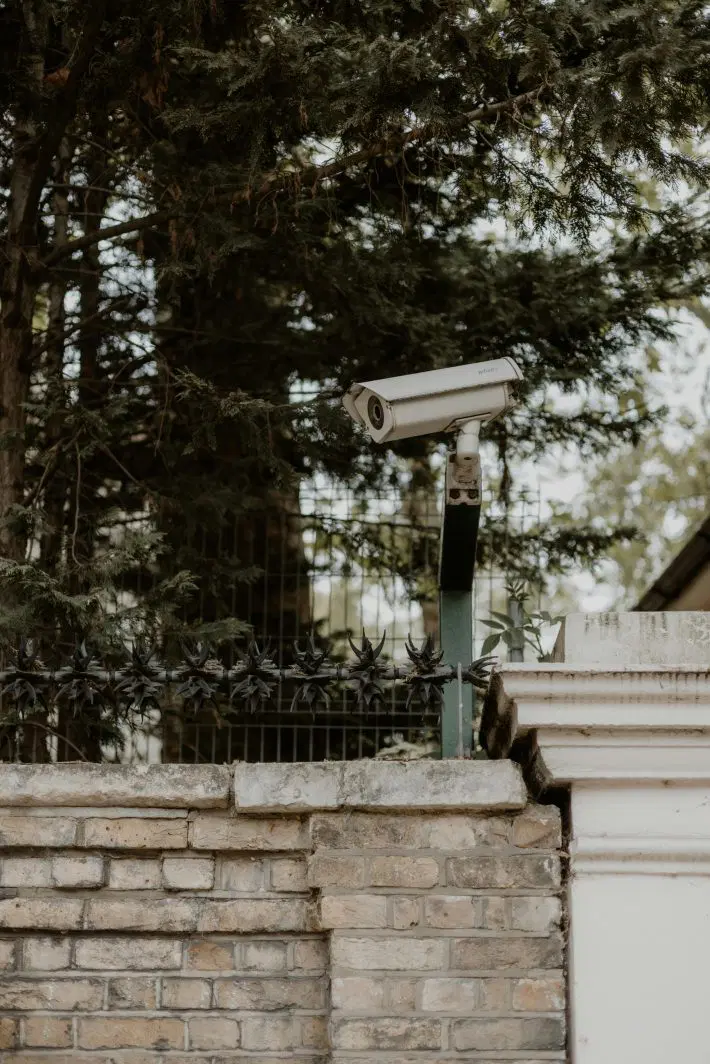
These Are The 5 Worst Places To Mount Security Cameras Around Your Home
(MENAFN- Saving Advice) Installing security cameras feels like a smart move-until you realize placement can make or break your entire system. Many homeowners assume that simply having cameras is enough, but poorly positioned devices often fail when you need them most. In fact, experts say bad placement can lead to blind spots, useless footage, and even legal trouble. Cameras that are installed incorrectly may capture glare, miss faces, or be easily disabled. If you want real protection-not just the illusion of it-here are the five worst places to mount security cameras around your home.1. Facing Direct Sunlight or Bright Light Sources
Mounting cameras directly toward the sun or bright lights is one of the most common mistakes homeowners make. This positioning creates glare, overexposure, and washed-out footage that can make recordings useless. Even high-end cameras struggle to adjust to constant brightness changes throughout the day. At night, nearby lights can create reflections that distort the image even further. The result is a camera that technically works-but fails to capture anything meaningful.
2. Behind Glass or Through WindowsIt might seem convenient to place an indoor camera facing outside through a window, but this setup rarely works well. Reflections from indoor lighting and glare from sunlight can severely distort video quality. Night vision features often fail completely because infrared light bounces back off the glass. This creates a foggy or“whiteout” effect that blocks visibility. If you want outdoor coverage, you need an outdoor camera-not a shortcut.
3. Too High or Too Low on the WallHeight matters more than most people realize when installing security cameras. Cameras mounted too high often capture only the tops of heads, making identification nearly impossible. On the flip side, cameras placed too low are easy targets for tampering or theft. Experts generally recommend positioning cameras around 8–10 feet high for the best balance. Getting the height wrong can render your footage nearly useless.
4. Areas With Obstructions or Changing VisibilityPlacing cameras behind trees, decorations, or furniture may seem fine at first-but it's a long-term mistake. Even partial obstructions can block motion detection and reduce image clarity. Over time, growing plants, seasonal changes, or shifting objects can make the problem worse. A camera that worked perfectly in spring may be useless by summer. Clear, unobstructed sightlines are essential for reliable coverage.
5. Pointed at Neighboring Property or Private SpacesInstalling cameras that capture your neighbor's yard, windows, or private areas can lead to serious legal and privacy issues. Many areas have strict rules about recording spaces where people expect privacy. Even if it's unintentional, this can create disputes or complaints. It's important to aim cameras only at your own property and use privacy settings when needed. Good security shouldn't come at the cost of someone else's comfort or rights.
Don't Let a Simple Mistake Undermine Your Home SecurityInstead of focusing on where cameras look impressive, think about what they actually capture. The best placements cover entry points, pathways, and areas where people naturally move. Cameras should be angled to capture faces-not just movement. Lighting, height, and visibility should all work together for clear, usable footage. A little planning upfront can save you from major security gaps later.
Have you ever realized your security camera was in the wrong spot after installing it? What did you change?

Legal Disclaimer:
MENAFN provides the
information “as is” without warranty of any kind. We do not accept
any responsibility or liability for the accuracy, content, images,
videos, licenses, completeness, legality, or reliability of the information
contained in this article. If you have any complaints or copyright
issues related to this article, kindly contact the provider above.
Most popular stories
Market Research

More Story







Comments
No comment