




403
Sorry!!
Error! We're sorry, but the page you were looking for doesn't exist.
Annapurna Bhandar Scheme: How To Link Your Bank Account With DBT Before It's Too Late
(MENAFN- AsiaNet News) ![]()
![]()
![]()
![]()
![]()
![]()
![]()
![]()
![]()
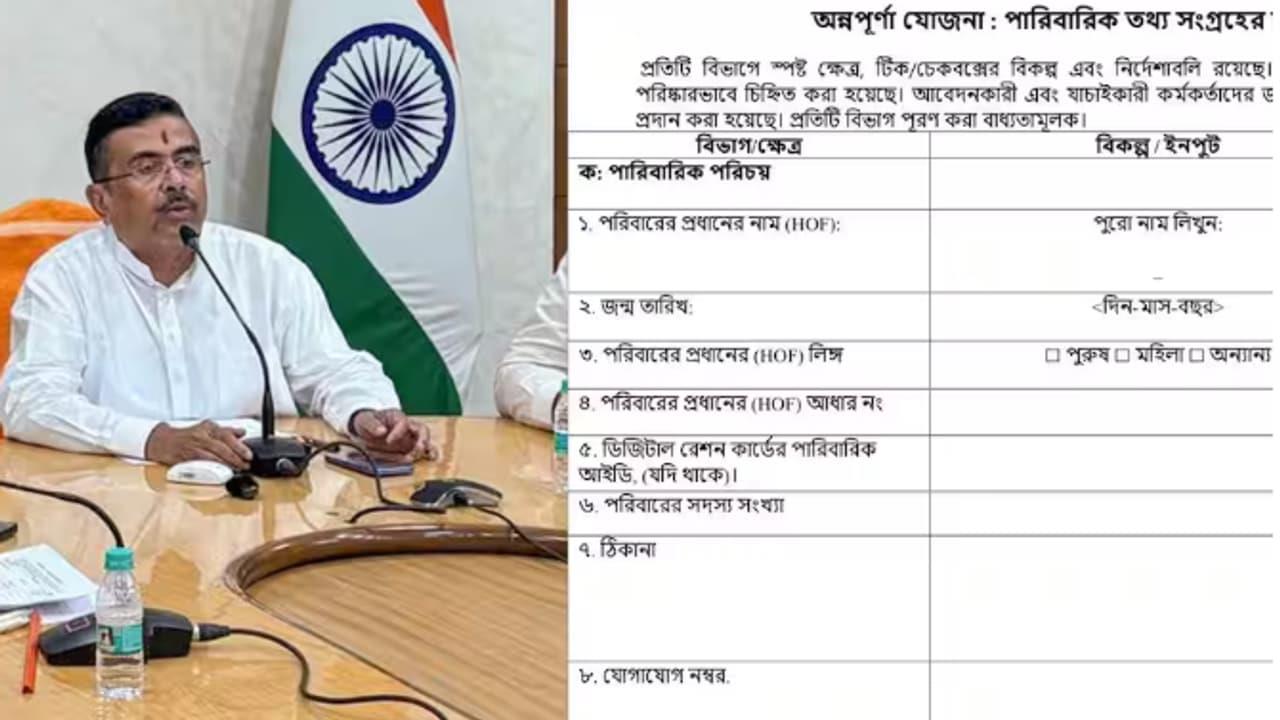
Annapurna Bhandar online application: Applications for the Annapurna Bhandar scheme have started from June 1. If you are an eligible woman, you can get Rs 3,000 every month.
Applications for the Annapurna Bhandar scheme have been open since June 1. Under this scheme, eligible women will get Rs 3,000 per month. The money will be transferred directly to their accounts using a DBT link. This DBT link is also necessary for getting benefits from other government schemes.
DBT simply means linking your Aadhaar number correctly with the bank account where you want to receive the money. If the DBT (Direct Benefit Transfer) option is not active, your payment could get stuck. The government will send the grant money only to the bank account that is 'mapped' or 'seeded' with your Aadhaar card.
A person can have multiple bank accounts, and all of them might be linked with Aadhaar. However, the DBT system usually sends money to one specific account. That's why you need to activate DBT for just one primary account.
You can visit your bank branch to check if your Aadhaar seeding and DBT (Direct Benefit Transfer) are active. You can also check it online on the Unique Identification Authority of India (UIDAI) website. If the status shows 'Active', then you have no problem.
For those who haven't linked their DBT yet or are confused about how to change their bank account for it, don't worry. We have explained the entire process step-by-step in simple language for you.
How to check your DBT link status?
Follow these steps to verify if your link is done correctly:
Go to the menu option and click on 'Aadhaar Mapped Status'.
Type your Aadhaar number, enter the captcha, and click 'Check Status'.
You will get an OTP on your Aadhaar-linked mobile number. Enter the OTP and confirm. You will then see which bank account is linked for DBT and the date it was done.
How to do the DBT link?
- Go to the official website: First, visit the official NPCI website. Click on the 'Aadhaar Seeding' option there. Type your Aadhaar number correctly and click the 'Seeding' option. Select the bank account you want to link for DBT. If you don't have a previous DBT link, click the 'Fresh Seeding' option. If you already have another bank linked and want to change it, select the 'Movement from one bank to other bank' option. Now, type your desired bank account number. Then, click the check mark, enter the captcha code, and click 'Submit'. On the next screen, click 'Agree and Continue'. You will receive an OTP on the mobile number linked with your Aadhaar card. Enter the OTP and click 'Confirm' to successfully complete the process. You will see a reference number on the screen. The DBT link is usually completed within a short time.
You can do it at the bank
- Go to the branch of the bank where you have an account. Ask a bank official for an 'Aadhaar Seeding' or 'Consent Form'. Fill out the form correctly and submit it with a photocopy of your Aadhaar card and passbook. The bank official will then link your account with the National Payments Corporation of India (NPCI).
Through mobile banking app
If your bank has its own mobile app (like SBI YONO, PNB One, iMobile), then open the app.
- Go to the 'Services' or 'My Profile' section. There, choose the 'Aadhaar Linking' or 'Aadhaar Seeding / DBT' option. Enter your Aadhaar number and mobile number, and then confirm it with an OTP.

Legal Disclaimer:
MENAFN provides the
information “as is” without warranty of any kind. We do not accept
any responsibility or liability for the accuracy, content, images,
videos, licenses, completeness, legality, or reliability of the information
contained in this article. If you have any complaints or copyright
issues related to this article, kindly contact the provider above.
Most popular stories
Market Research

More Story







Comments
No comment