







403
Sorry!!
Error! We're sorry, but the page you were looking for doesn't exist.
Iphone Won't Turn On After The Battery Dies? Here's How To Fix The Black Screen Issue
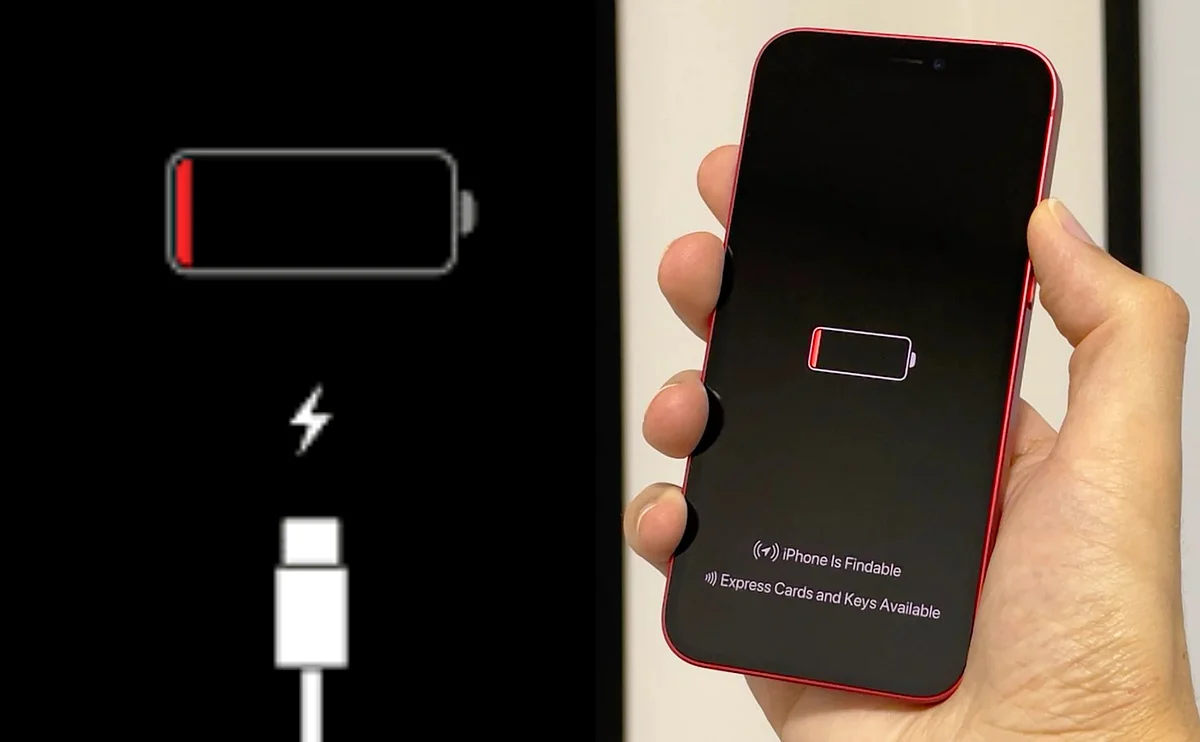
(MENAFN- Khaleej Times) If your iPhone 17, iPhone 17 Pro, or iPhone Air won't turn on after the battery dies, you're not alone. A growing number of users are reporting a frustrating issue where their devices refuse to boot up after running out of battery, even when plugged into a charger.
When affected iPhones reach zero battery and shut down, they don't immediately restart when connected to a USB-C charging cable. Instead, the screen remains completely black with no low battery indicator. The phone appears completely dead, showing no signs of life even after several minutes of charging.
Stay up to date with the latest news. Follow KT on WhatsApp Channels.
Recommended For YouThe issue doesn't affect all users consistently. Some iPhone owners have experienced the problem once or twice, while others have never encountered it despite multiple battery drain incidents. Reports suggest the problem affects iPhone 17, iPhone 17 Pro, and iPhone Air models, though the exact scope remains unclear.
Traditional fixes aren't workingStandard troubleshooting methods typically fail to resolve the issue. Redditors have tried hardware reset, different USC-C cables, and connecting to a Mac, but the phone appeared completely unresponsive to all the above methods.
What's the solution?Multiple user reports across online forums, however, point to a reliable workaround: MagSafe wireless charging.
Step-by-step fix: Place your iPhone on a MagSafe charger or compatible wireless charging pad
Leave it charging for 15 minutes minimum The phone should boot up, typically within 10-15 minutesThis method appears significantly more reliable than wired charging when the phone enters this problematic state. Some users report that even Apple Store technicians use MagSafe chargers as their first solution when customers bring in devices with this issue.
When iPhones enter this "dead" state, wired charging appears unreliable-the device doesn't seem to pull voltage consistently through the USB-C connection. While wired charging might eventually work after several hours, wireless charging resolves the problem much faster.
Apple has not officially acknowledged this issue or provided guidance on a permanent fix. The problem appears to be software-related rather than hardware failure, as affected devices function normally after successful revival via wireless charging. If the MagSafe workaround doesn't resolve the issue after 20-30 minutes, the device may require Apple warranty repair.
Want to know more about your favourite tech products in the UAE? Check out the links below or click here to see Khaleej Times' coverage on technology.
ALSO READ- Apple iPhone 18 Pro and Pro Max: Top 10 rumoured upgrades you need to know iPhone 18 Pro leaks reveal thicker design, bigger battery

Legal Disclaimer:
MENAFN provides the
information “as is” without warranty of any kind. We do not accept
any responsibility or liability for the accuracy, content, images,
videos, licenses, completeness, legality, or reliability of the information
contained in this article. If you have any complaints or copyright
issues related to this article, kindly contact the provider above.
Most popular stories
Market Research

More Story








Comments
No comment