


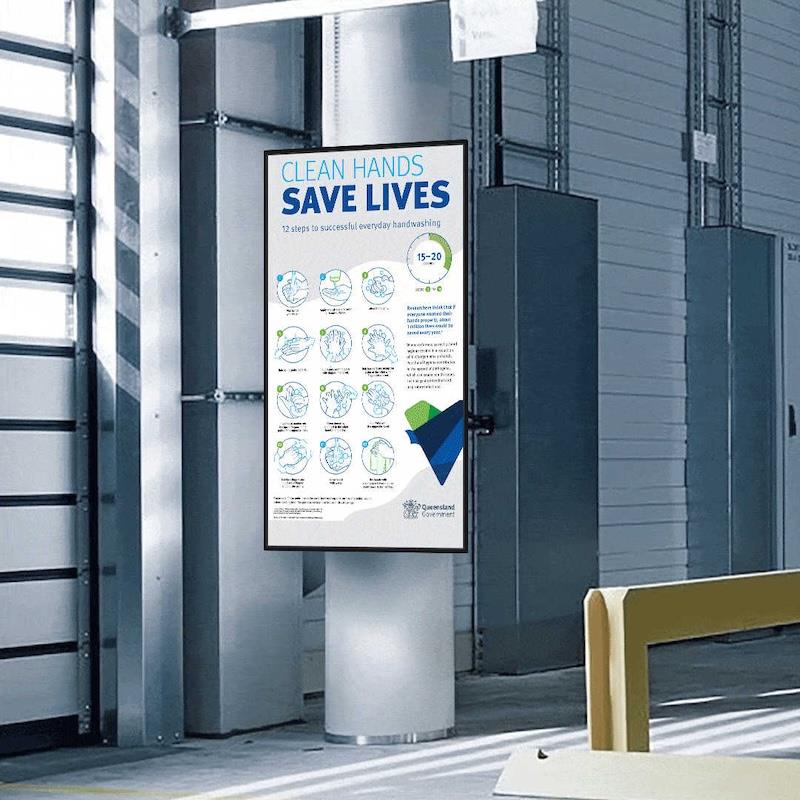
The Human Side Of Factory Automation: Keeping Workers Informed


As more equipment changes the layout and rhythm of the floor, workers need clear, current information.
Where are the new robot cells? Which routes do AMRs use this week? What is today's output target, and how close is the shift to hitting it? Paper notices and whiteboards struggle to keep up with that pace of change.
Why automation raises the information barA traditional line changes slowly. A layout might stay the same for years, and staff learn it by heart. An automated facility changes more often, as cells are added, reconfigured or moved to handle new products.
Each change brings new hazards and new routines. A fenced robot cell might move. An AMR route might cross a walkway that was safe last month. Staff need to see those changes clearly and quickly, without waiting for the next toolbox talk.
Temporary changes cause the most confusion. A cell taken offline for maintenance, a rerouted AMR path during a stock count or a contractor working at height all need a clear warning for a few hours or days, and then the warning needs to disappear.
Signs still carry legal weightSafety signage is not optional. In the US, OSHA's standard 1910.145 sets out specifications for accident prevention signs and tags, including danger, caution and safety instruction signs, each with its own colour scheme. In Great Britain, the HSE points employers to the Health and Safety (Safety Signs and Signals) Regulations 1996, which set out standard prohibitory, warning and mandatory sign formats.
Fixed physical signs remain the legal baseline for permanent hazards. Screens add a layer on top of them, carrying information that changes too often for a printed sign. Training records, risk assessments and fixed signage still carry the legal duty. Screens help people notice and remember what those documents say.
Where screens fit on the floorMandoe Media, a digital signage platform, sets out several uses for digital signage in manufacturing in a guide written for factory operators. It covers communicating safety standards, running safety messages as moving content that is harder to ignore than plain text, and motivating staff with recognition, production figures and announcements.
The guide also notes two practical points. Screens can be updated from any device with a web browser, and existing paper materials can be scanned and added to a screen's playlist, so a plant does not need to recreate every procedure before it starts.
A content plan for a busy floorScreens on a factory floor compete with noise, movement and people focused on their tasks. Content has to work at a glance. Large numbers, high contrast and short phrases can be read from across an aisle by someone wearing safety glasses.
-
Show live or daily production figures against target, updated automatically where possible.
Rotate one safety message at a time, tied to current work such as a new cell or a change in AMR routes.
Recognise teams and individuals for safety records and quality results.
Post shift notices, visitor alerts and maintenance windows with clear start and end times.
Place screens where people pause naturally, such as entrances, break areas and line-side stations, rather than in places where reading would pull attention from a moving machine. Choose screens rated for the environment, since dust, heat and vibration on a production floor are harder on equipment than a reception area.
Linking screens to the automation dataThe most useful factory screens pull data from the systems already running the plant. Output counts, downtime alerts and quality figures from the line can feed straight onto a display, so the information on the wall matches what supervisors see on their own dashboards.
Start small. Connect one line's daily output figure to one screen, check that the numbers match and gather feedback from the shift. Then add more data and more screens once the first one has proved reliable.
Agree who owns screen content on each shift. A screen near the shift handover point lets the outgoing team flag issues to the incoming team in plain view, which supports the spoken handover.
Machines and people, working from the same pictureAutomation will keep reshaping factories, and the pace of change is unlikely to slow. The plants that get the most from new equipment will be the ones that keep their people informed as layouts, routes and targets shift around them.
Screens give operations teams a fast, flexible way to do that. Paired with proper fixed signage and good training, they help the human side of the factory keep pace with the machines.

Legal Disclaimer:
MENAFN provides the
information “as is” without warranty of any kind. We do not accept any
responsibility or liability for the accuracy, content, images, videos,
licenses, completeness, legality, or reliability of the information
contained in this article. If you have any complaints or copyright issues
related to this article, kindly contact the provider above.


Comments
No comment