


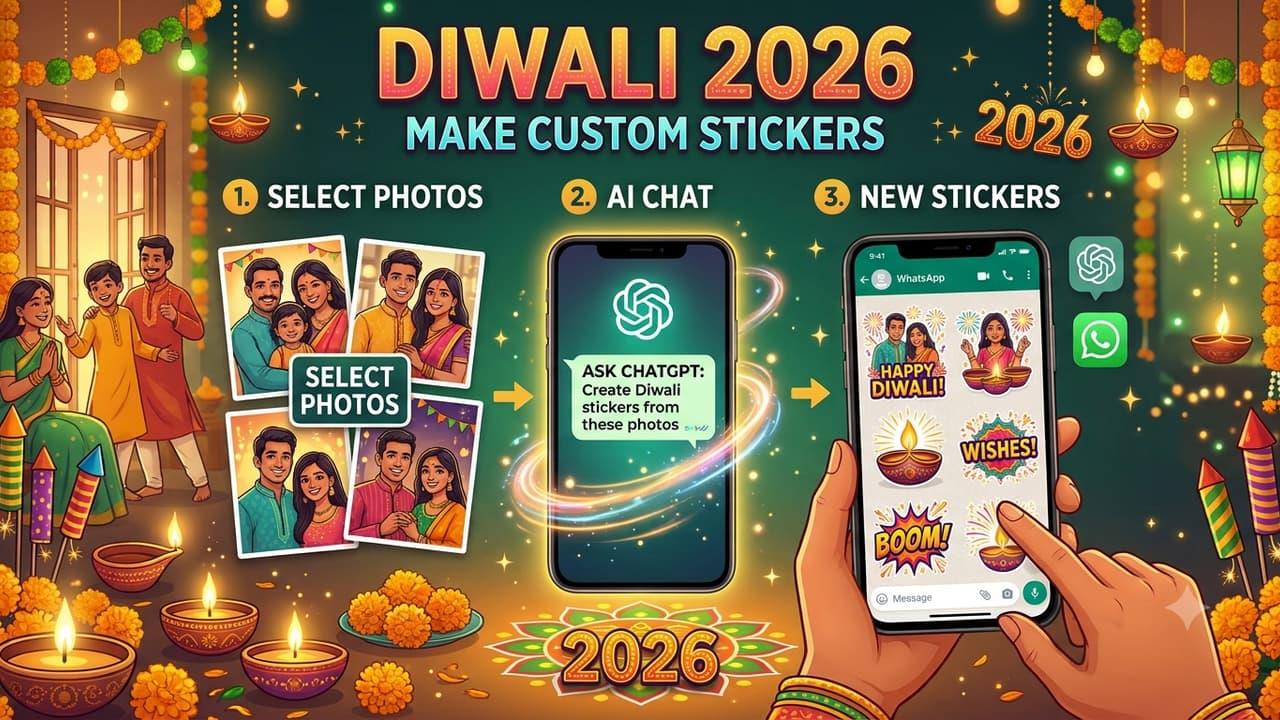
Diwali 2026: Turn Your Photos Into Festive Whatsapp Stickers With Chatgpt, Follow THESE Steps


Diyas, sweets, vibrant decorations, and heartfelt greetings are all part of the celebration of Diwali, a festival of lights. Sending wishes via WhatsApp is still a common way for individuals to stay in touch with loved ones as they get ready to enjoy the event. You may use your own photos to create personalized stickers this year to make those wishes even more memorable.
You may utilize AI tools like ChatGPT and Meta AI to transform your photos into personalized Diwali greetings rather than sharing the same forwarded text and stickers. Your photos dressed traditionally, surrounded by diyas, rangoli, candy candies, and other festive accents, can be included on these stickers. The process does not require any design skills. You simply need to upload a photograph, enter a suitable prompt and let the AI tool generate different sticker designs. Once ready, these images can be added to WhatsApp and shared with friends and family.
How to Make Customized WhatsApp Stickers for Diwali 2026?
- Launch an AI image-generation program like Meta AI, Google Gemini, or ChatGPT. Additionally, Meta AI is directly accessible via WhatsApp. Ask the AI tool to create a collection of stickers with Diwali themes from a clear photo of you. Download the image once the AI has created the stickers. You can ask the chatbot to change the colors, greetings, or facial expressions if you want more options. Crop each sticker independently using an image-editing program or the picture editor on your phone. To make sharing the individual photos easier, save them.
How To Send Personalised Diwali Stickers On WhatsApp?
Once your stickers are prepared, share them with your contacts by following these steps.
- To send your Diwali greetings, open WhatsApp and choose the chat. Next to the GIF and emoji selections, tap the sticker symbol. Choose one of your cropped AI-generated images by selecting the "Create sticker" option. The backdrop can be automatically removed using WhatsApp. If necessary, add text, illustrations, or other features to the sticker using the editing tools. Once you're satisfied with the design, share your customized Diwali sticker with loved ones by clicking the send icon.

Legal Disclaimer:
MENAFN provides the
information “as is” without warranty of any kind. We do not accept
any responsibility or liability for the accuracy, content, images,
videos, licenses, completeness, legality, or reliability of the information
contained in this article. If you have any complaints or copyright
issues related to this article, kindly contact the provider above.


Comments
No comment