







403
Sorry!!
Error! We're sorry, but the page you were looking for doesn't exist.
No More 'Shorts'? Youtube Adds Option To Block Feed Entirely
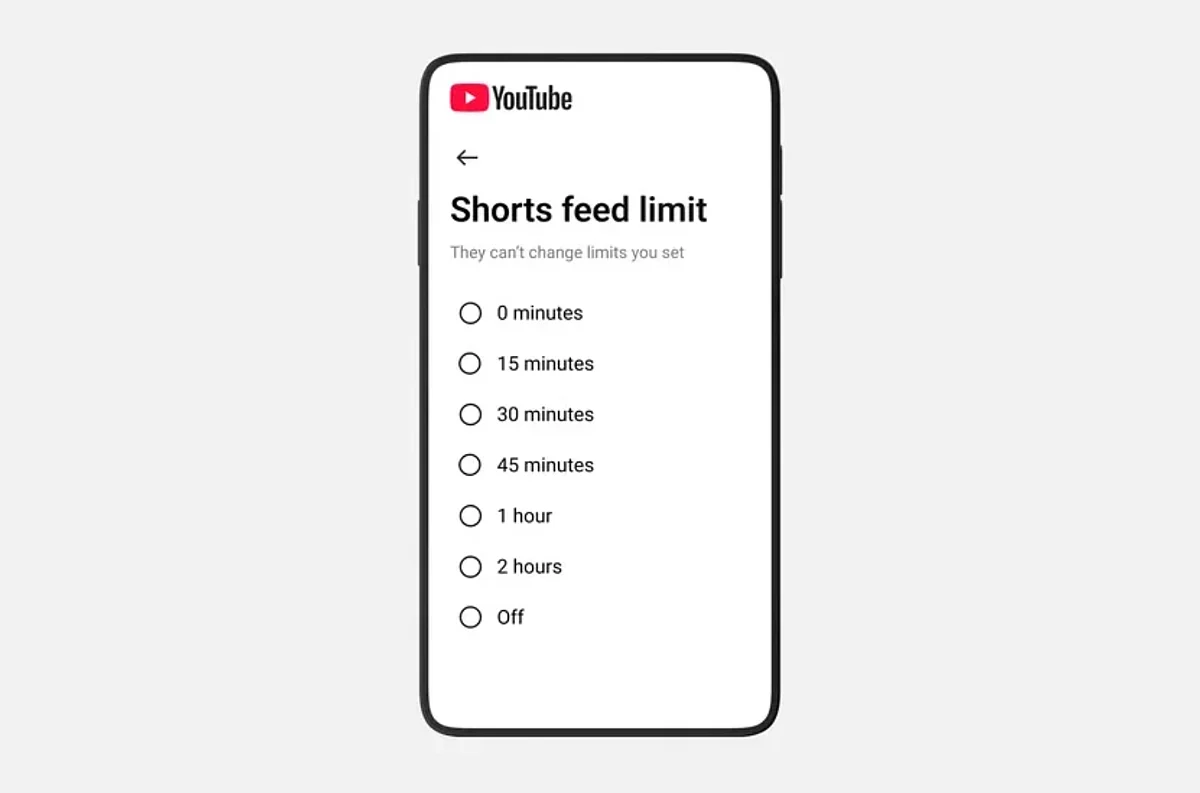
(MENAFN- Khaleej Times) YouTube has quietly rolled out a Shorts feed limit feature that allows users to restrict or completely block short-form video consumption, though the option is hidden deep within the app's settings.
How to set YouTube Shorts limit?
According to a new Google support page, all mobile users can now access the Shorts feed limit by navigating to Settings, then Time management, and finally Shorts feed limit within the YouTube app. The feature allows users to cap the time spent scrolling through short-form videos.
Stay up to date with the latest news. Follow KT on WhatsApp Channels.
Recommended For YouThe timer options range from several hours down to zero minutes, effectively blocking the Shorts feed entirely, though YouTube doesn't explicitly describe it this way. The Verge confirmed this functionality after testing the feature.
When the time limit is reached, YouTube displays a reminder that the Shorts feed is paused. However, for adult users, this reminder is dismissible, meaning users can simply swipe it away and continue scrolling, making the limit more of a suggestion than an enforcement mechanism.
For supervised teen accounts managed through Family Link, the timer functions differently. Parents can set a non-dismissible limit, actually cutting off access when the time expires rather than offering a dismissible reminder.
The feature is currently mobile-only, leaving desktop users reliant on browser extensions to manage YouTube Shorts consumption.
ALSO READ- How Instagram's new updates make teen accounts safer in UAE, Saudi Arabia WhatsApp launches parent-managed accounts for kids with new safety controls

Legal Disclaimer:
MENAFN provides the
information “as is” without warranty of any kind. We do not accept
any responsibility or liability for the accuracy, content, images,
videos, licenses, completeness, legality, or reliability of the information
contained in this article. If you have any complaints or copyright
issues related to this article, kindly contact the provider above.
Most popular stories
Market Research

More Story








Comments
No comment