

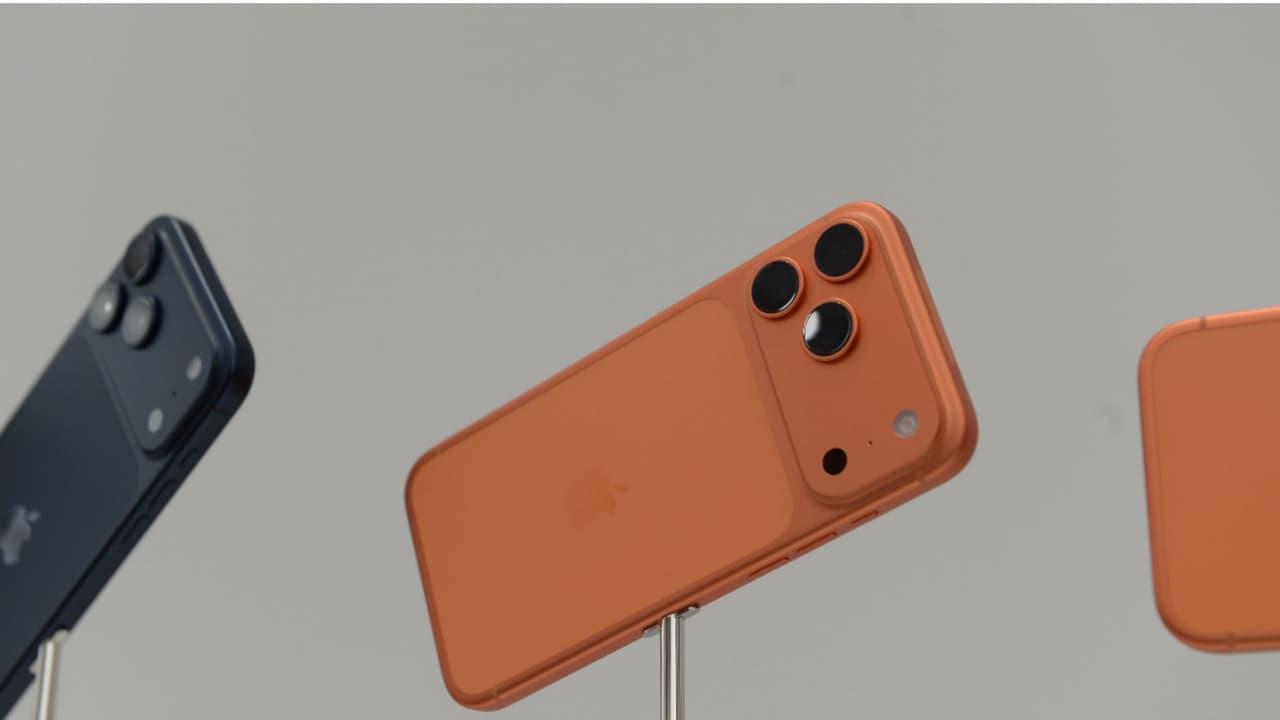
Iphone Camera Tips And Tricks: Use Your Device For More Than Just Photos


The iPhone camera isn't just for photos. Discover hidden features, tips, and tricks to use it for videos, scanning documents, AR apps, and creative projects beyond traditional photography.
Most think the iPhone camera is just for great photos and videos. But it's also a handy tool for daily tasks. Apple's yearly updates have turned it into a versatile multi-tool.
With the built-in Measure App, you can measure the length and width of any object. No tape needed for walls or tables. Open the app, point the camera, and tap the plus sign for instant measurements.
No need to type text from signs or books. Point the camera, and a text icon appears. Tap it to copy the text. It makes saving numbers or notes incredibly easy and fast.
The iPhone camera doubles as a scanner. Convert documents to PDFs via the Files App. Just open the app, choose 'Scan Document,' and snap a photo. It's super handy for office tasks.
Scan handwritten notes from a notebook with your iPhone camera and turn them into text. You can then message them or save them in the Notes app. It's a big help for school and work.

Legal Disclaimer:
MENAFN provides the
information “as is” without warranty of any kind. We do not accept any
responsibility or liability for the accuracy, content, images, videos,
licenses, completeness, legality, or reliability of the information
contained in this article. If you have any complaints or copyright issues
related to this article, kindly contact the provider above.
Comments
No comment